ARS Online Manual

Non Employee Data
If an incident was reported by anyone that was not an employee of the agency, an alternate non-employee ID record was added within the Incident Detail page of Call Center.
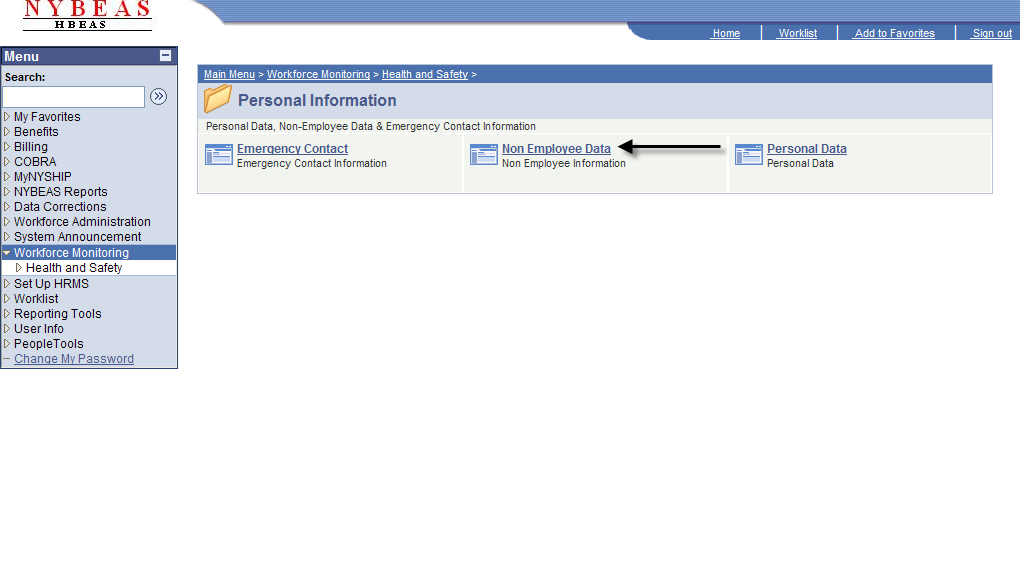
In order to update/correct data for the non-employee, click on Non Employee Data within Personal Information.
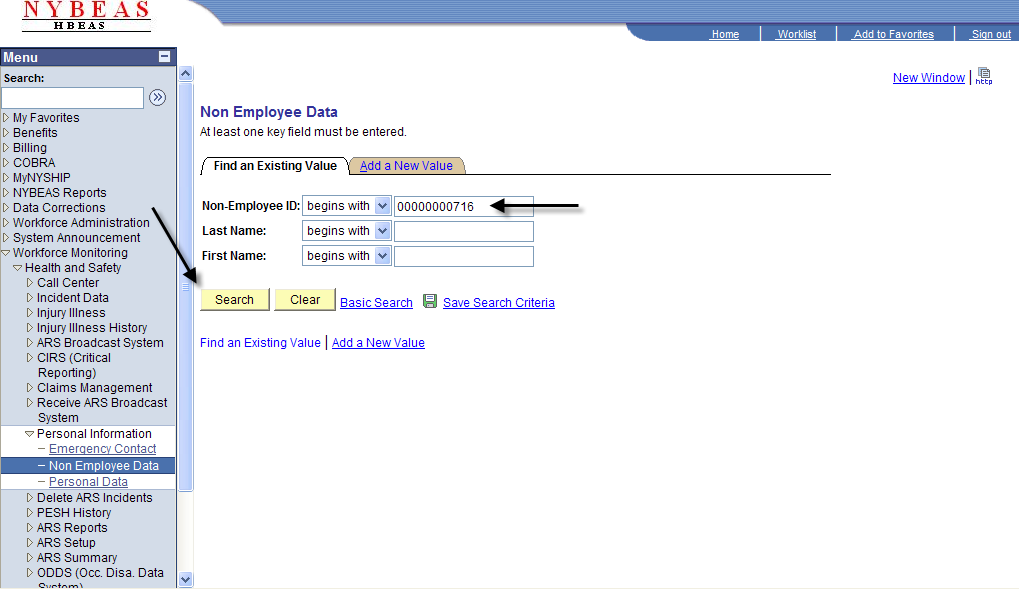
Enter the last and first name or the Non-Employee ID (if known) and click Search.
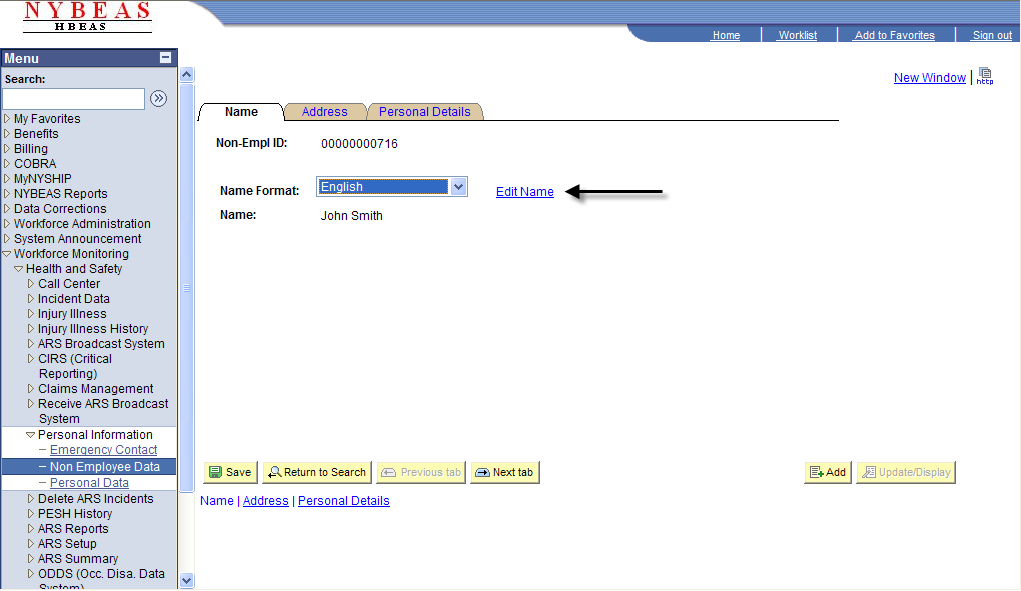
To update/correct the name of the non-employee, click Edit Name.
Make the appropriate changes within the Edit Name fields and click Refresh Name.
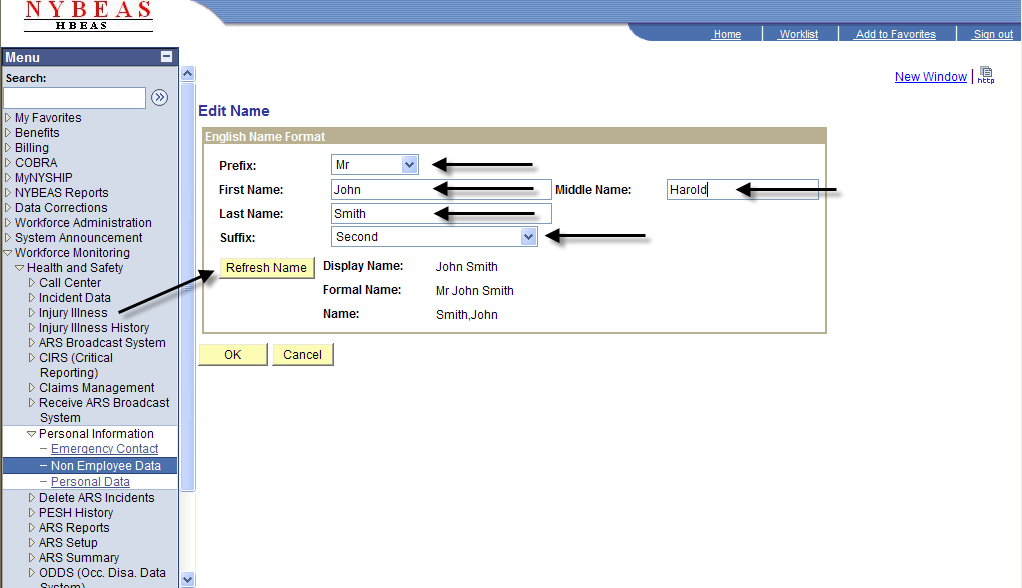
If the changes look correct, click OK.
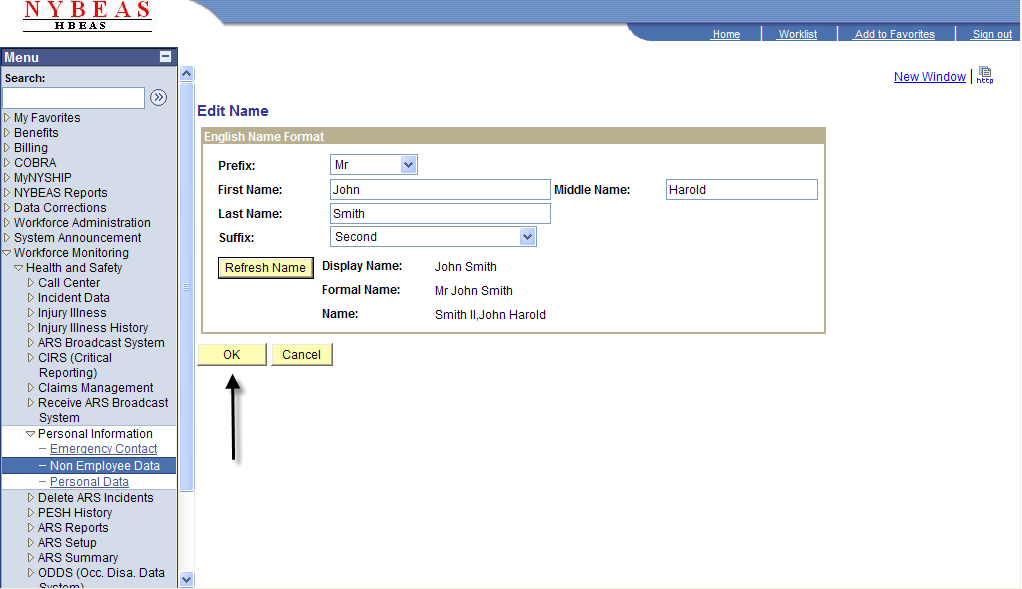
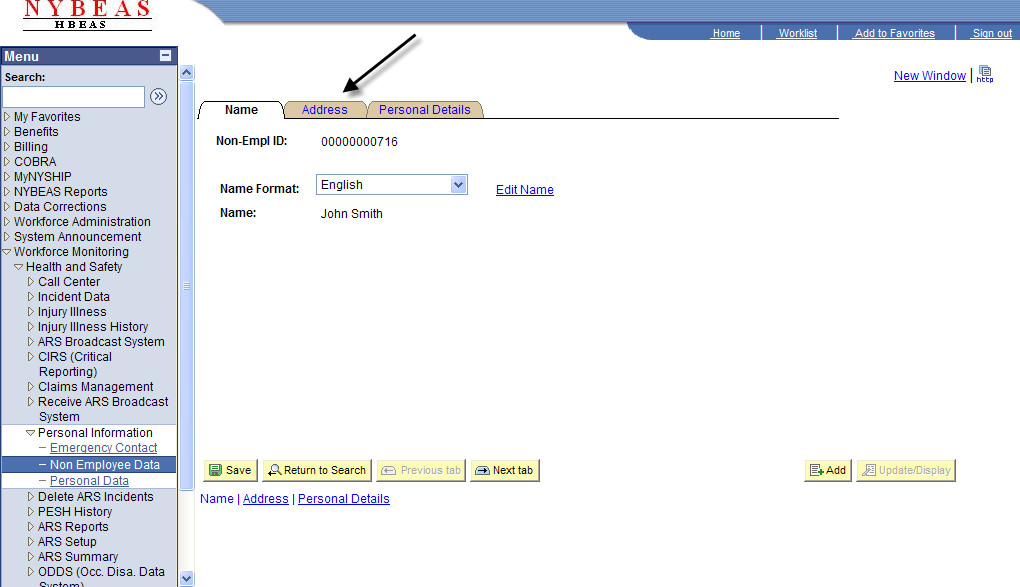
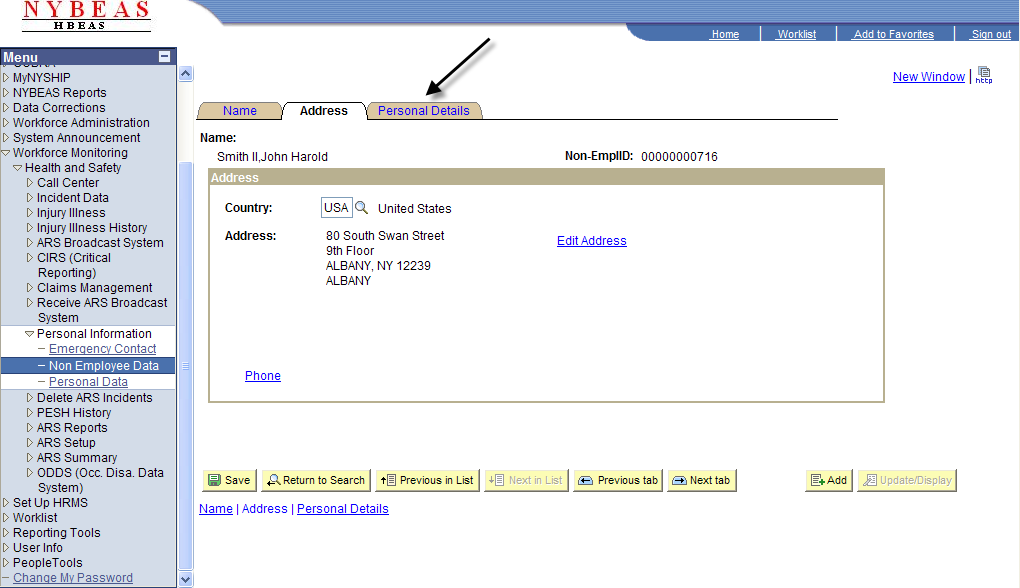
To update/correct the non-employee's address, click on the Address page.
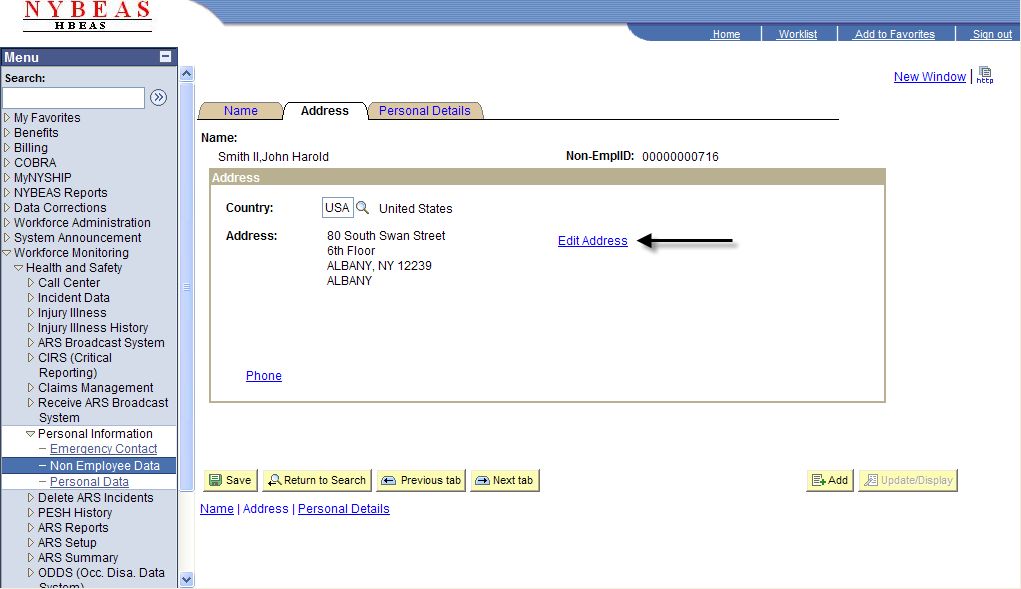
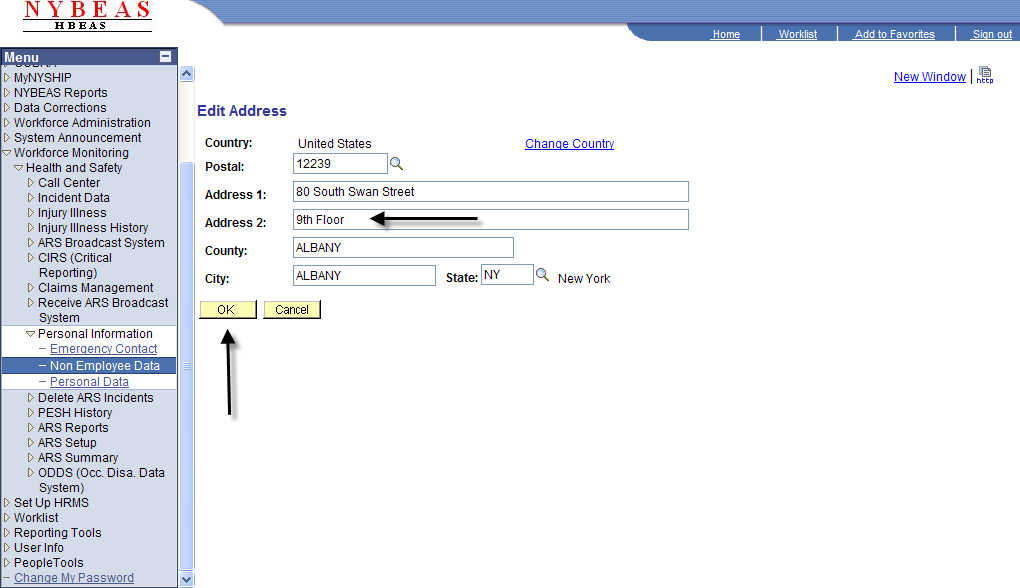
Click Edit Address.
Make the appropriate changes and click OK.
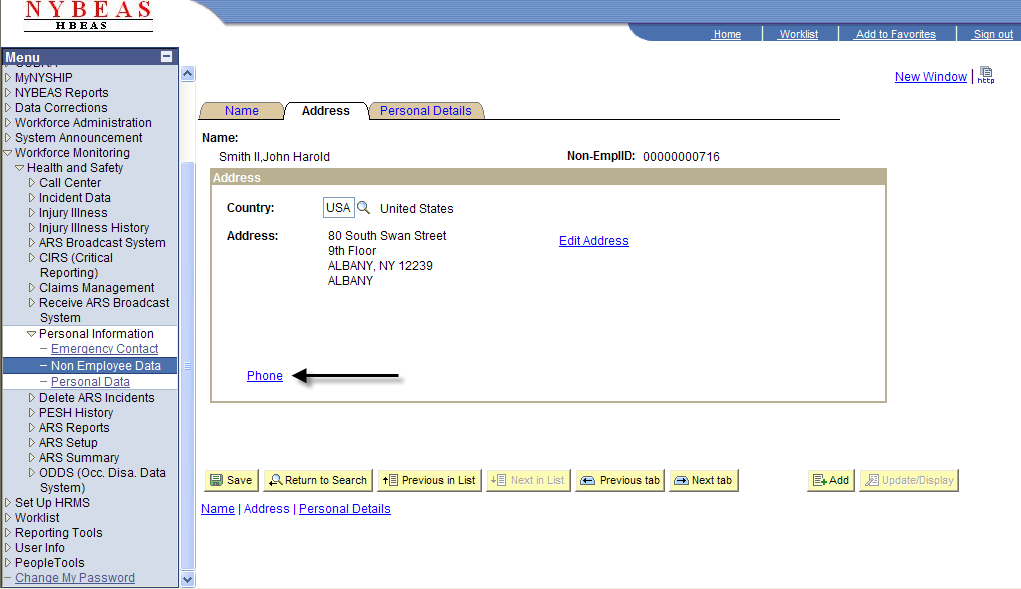
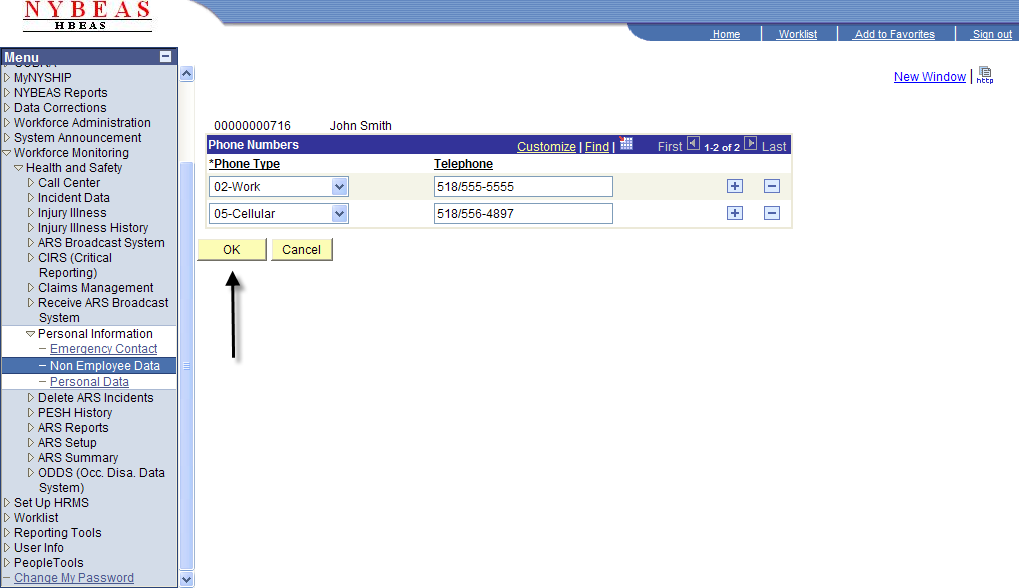
To update/correct the non-employee's phone number, click on Phone.
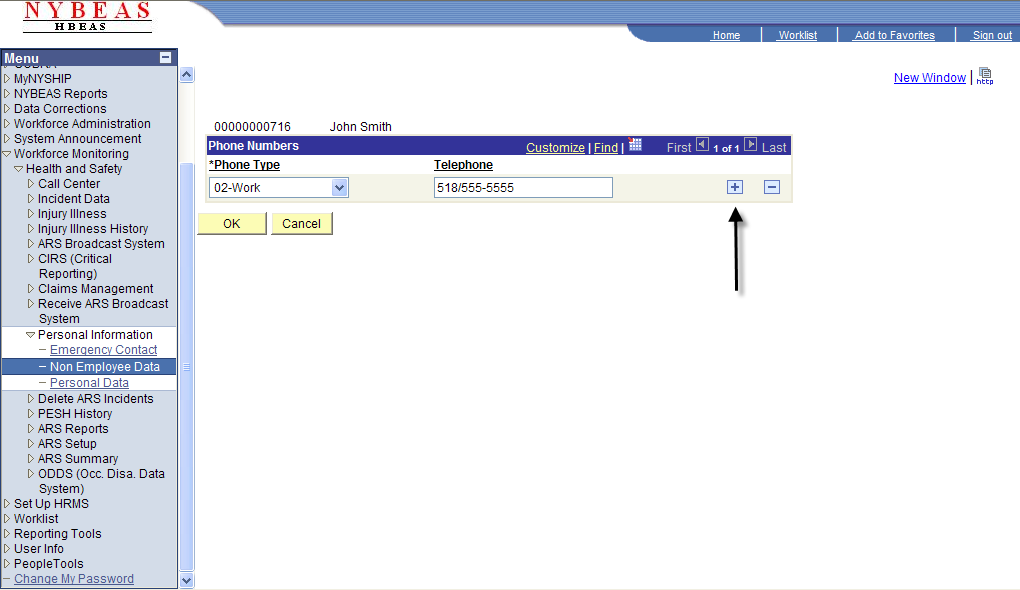
To add another phone number, click the Plus icon.
Enter the telephone number and Phone Type.
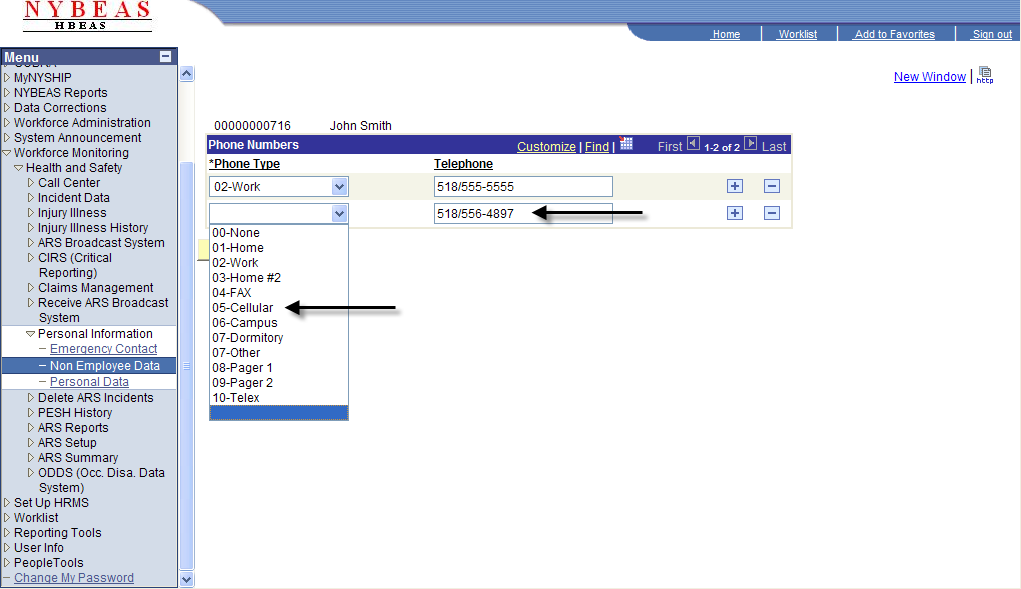
Click OK.
To update/correct specific details for the non-employee, click on the Personal Details page.
Birthdate, Date of Death, Business Title, Employer, and Gender can be updated for the non-employee.
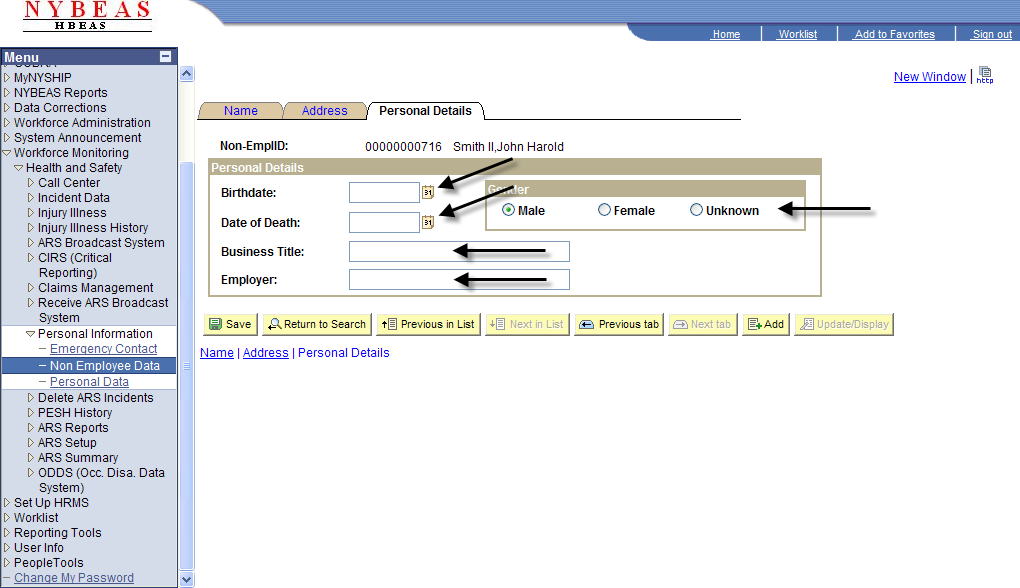
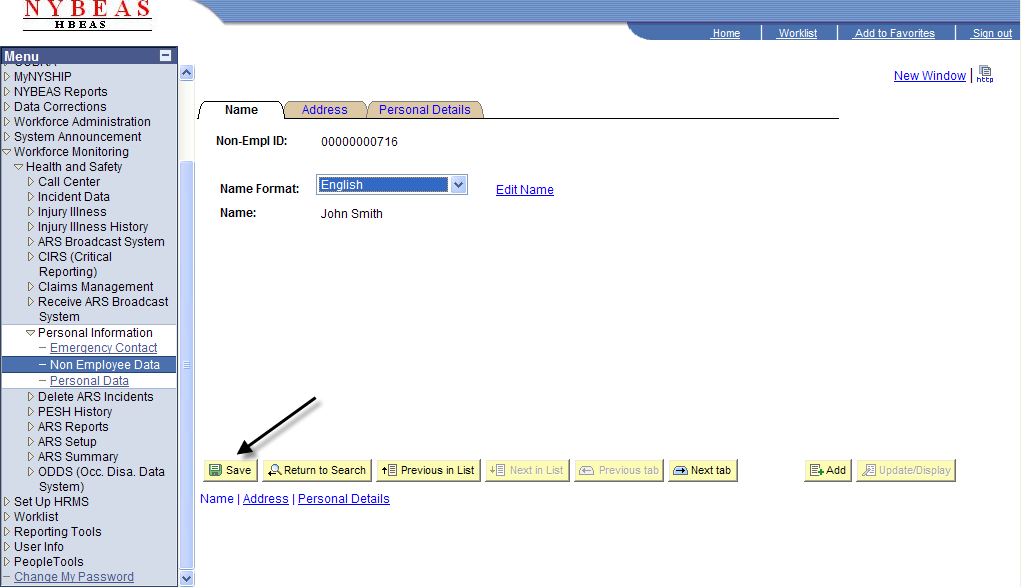
Once all changes have been made, click Save.